
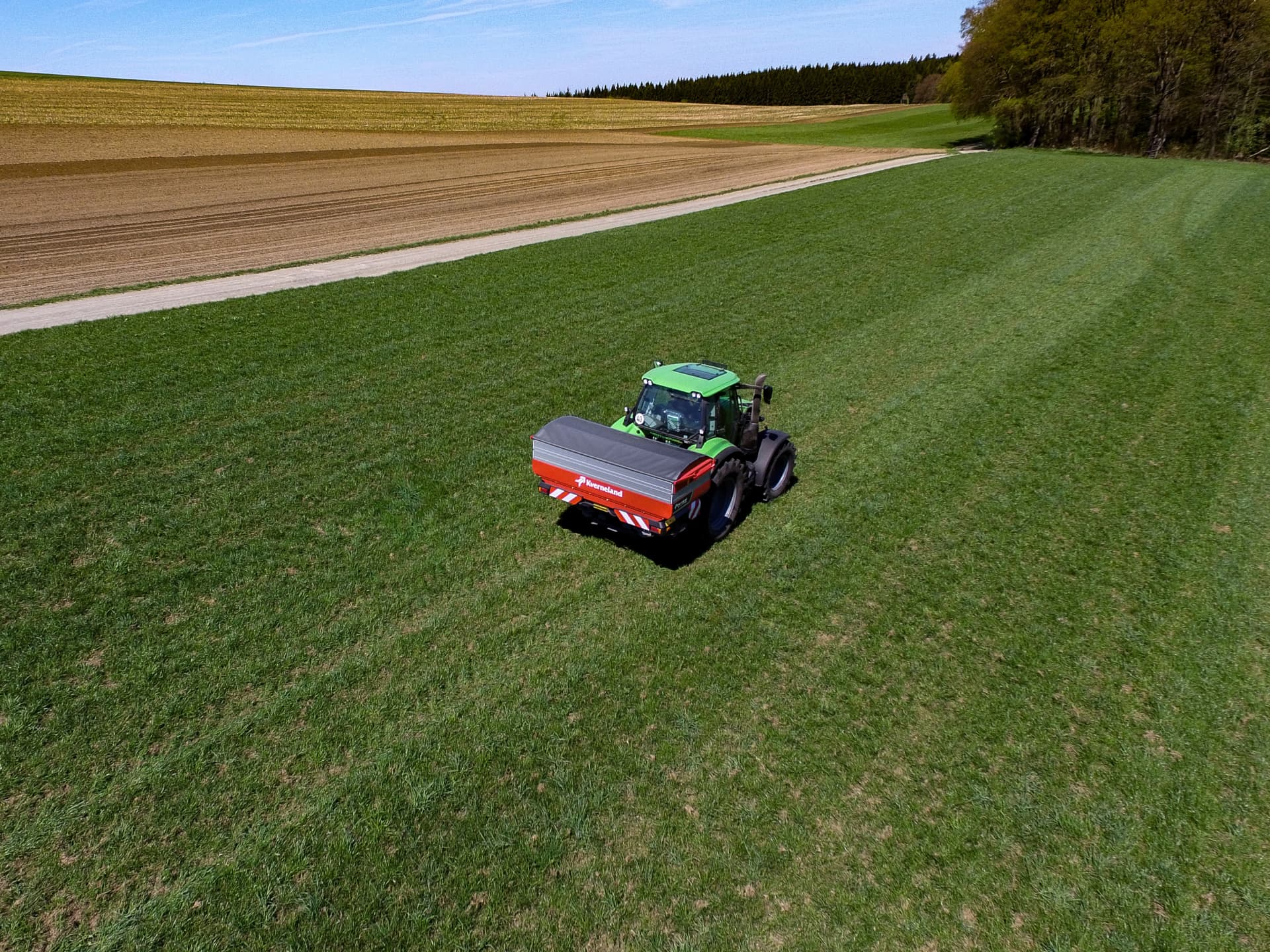
Kverneland Spreading Charts – Precise Fertiliser Settings
Accurate Fertiliser Settings for Every Field
Achieving the correct fertiliser application is essential for crop performance, input efficiency and environmental responsibility.
The Kverneland Spreading Charts platform provides precise fertiliser spreading settings for your Kverneland spreader, helping you optimise spreading accuracy in any field condition.
Using data from extensive laboratory and field testing, the platform provides exact machine settings for working width, application rate and driving speed for a wide range of fertiliser types.
Whether you are preparing for spring fertilisation or adjusting settings for different fertiliser qualities, the spreading charts give you reliable and easy-to-use guidance directly from Kverneland specialists.
Always the Right Settings
Accurate Fertiliser Application
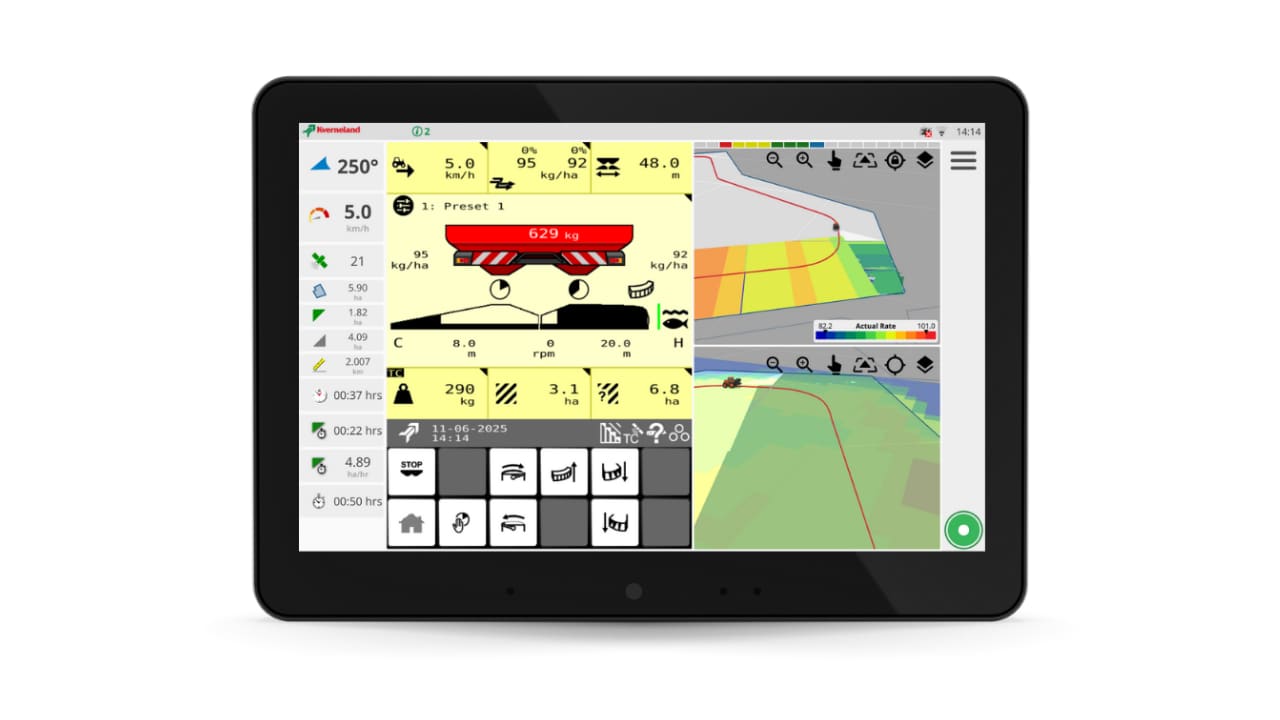
Finding the correct spreader settings is essential for achieving an even fertiliser distribution. The Kverneland Spreading Charts provide precise recommendations based on extensive laboratory and field testing. Simply select your fertiliser type and machine and enter the physical properties to receive the correct settings for working width, application rate and driving speed.
Access Anywhere
Website and Mobile App
Whether you are planning work in the office or adjusting settings directly in the field, the Kverneland Spreading Charts are always available. Access the full database through the web platform or quickly find fertiliser settings using the mobile app on your smartphone or tablet.
Tested for Precision
Reliable Data You Can Trust
All spreading charts are developed through professional testing according to strict international standards. This ensures accurate fertiliser distribution and optimal machine performance across a wide range of fertiliser types and field conditions.
Get Direct Access to the Spreading Charts
The Kverneland Spreading Charts platform gives you fast and flexible access to accurate fertiliser settings for your spreader.
Using the Kverneland SpreadApp on your mobile device, you can quickly select your spreader model, enter fertiliser characteristics and receive recommended spreader settings based on extensive testing from the Kverneland Spreader Competence Centre.
For the new Kverneland Alentix spreader, the process becomes even easier. With Bluetooth connectivity and Kverneland Sync, the recommended settings can be transferred directly from your mobile device to the spreader.
There are several ways to use the spreading charts:
-
Print the spreading chart directly from the website
-
For the Kverneland GEOSPREAD weighing spreaders and the new Alentix spreader, the process becomes even easier.
-
Send settings via Bluetooth using Kverneland Sync directly to a Kverneland GEOSPREAD weighing spreader or an Alentix disc spreader.
This flexibility allows operators to choose the method that best fits their workflow, whether working from the office, in the yard, or directly in the field.
Experience yourself now how easy it is to setup your fertiliser spreader with the new App (download via the App Store or Google Play) or via the website www.kvernelandspreadingcharts.com.

Frequently Asked Questions
Why are spreading charts important?
Using correct spreader settings improves fertiliser distribution, reduces waste and helps achieve consistent crop growth across the field.
Which spreaders are supported?
The platform provides settings for all Kverneland fertiliser spreaders, including a wide range of models used worldwide.
Can I use the spreading charts in the field?
Yes. The spreading charts are available through both a mobile application and a web platform, allowing farmers to access settings directly from the tractor cab.
Are new fertilisers regularly added?
Yes. The database is continuously updated as new fertiliser types are tested and validated.
How to Use the Kverneland Spreading Charts
Visit the Kverneland Spreading Charts website or download the Spreading Charts App to quickly find the correct fertiliser spreader settings for your machine. The platform is free to use and available without any login, making it easy for operators, contractors and farm managers to access accurate spreading advice whenever it is needed.
Available Languages
The Spreading Charts website is available in:
English (metric and imperial), German, French (metric and imperial), Dutch, Danish, Czech, Spanish, Hungarian, Norwegian, Polish, Portuguese, Romanian, Finnish, Swedish, Russian, Japanese, Bulgarian, Estonian, Lithuanian, Latvian, Italian, Slovakian and Croatian.
The Spreading Charts mobile application is available in:
English (metric and imperial), German, Dutch, French, Spanish, Bulgarian, Estonian, Lithuanian, Latvian and Romanian.
Important Information About Fertiliser Spreading Settings
The spreading settings provided on the Kverneland Spreading Charts platform are based on extensive testing carried out at the Kverneland Spreader Competence Centre under controlled laboratory conditions.
Please note that not all fertiliser types can be spread at every working width. The recommended settings correspond to the maximum working width that achieves a coefficient of variation (CV) below 10% in laboratory tests, ensuring effective spreading quality in the field.
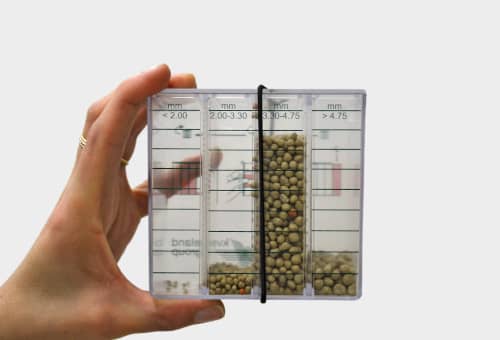
Fertilisers with the same commercial name may have different physical characteristics due to production location, transport, storage conditions or humidity. These factors can influence fertiliser flow and spreading behaviour.
For the most accurate settings, we recommend identifying fertiliser based on granule size and specific weight, rather than relying only on the product name.
To ensure optimal results, always perform a static calibration test before spreading. If necessary, a tray test can be carried out to verify the spreading pattern. In many regions, professional organisations provide tray testing services to support accurate fertiliser application.